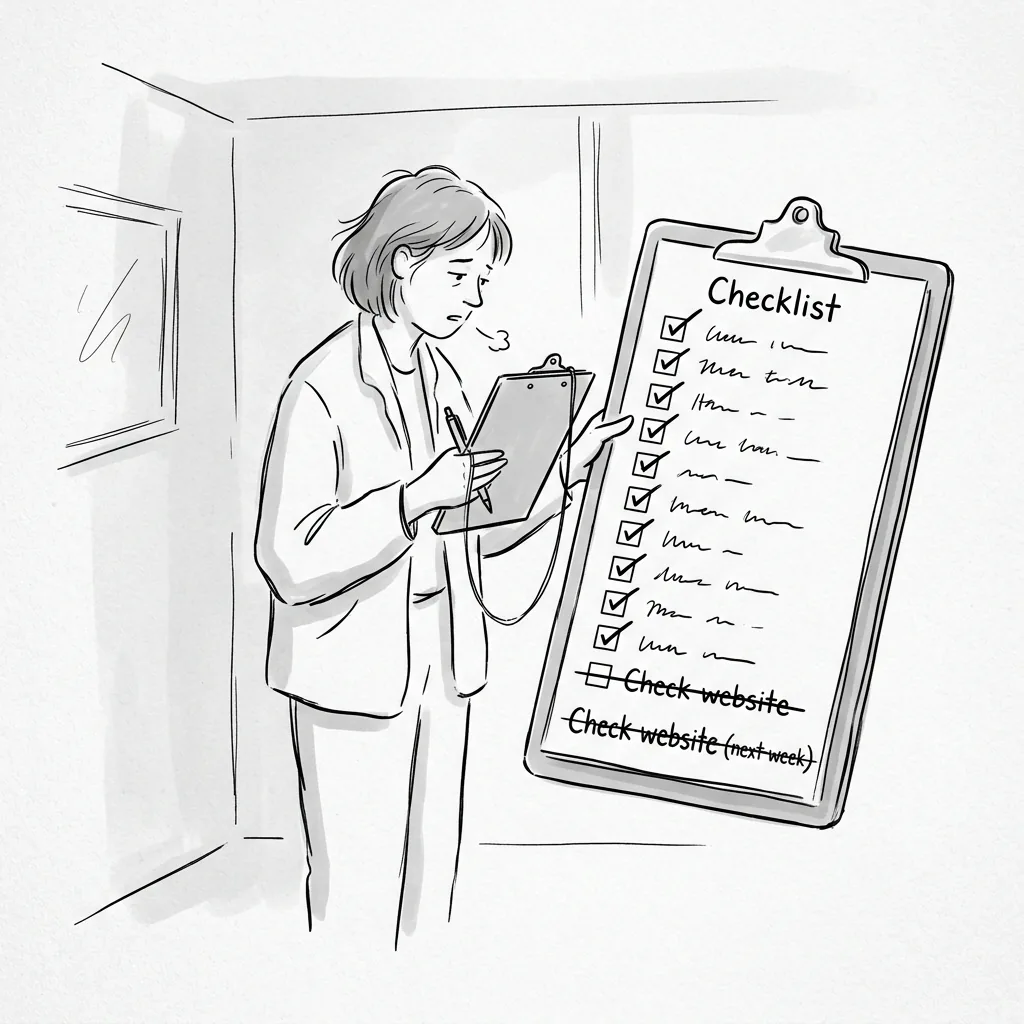
There is something quietly heroic about a checklist. It does not assume goodwill, or expertise, or the kind of institutional memory that tends to depart with the last three communications managers. It assumes only that someone, at some point, will look at it — and that the act of looking will prompt the act of doing.
In the specific context of nonprofit website maintenance, this is not a small assumption. It is, in fact, the entire problem.
Most organizations know, in a general way, that their website requires regular attention. They know that WordPress should be updated. They know that backups should be taken. They know that someone should probably check whether the donation form is still working. The knowing, however, has a way of remaining theoretical — comfortably abstract, perpetually deferred, and utterly useless until the moment something breaks.
A checklist does not solve the underlying organizational problem of website ownership. What it does is transform a vague intention into a specific set of tasks — tasks that can be assigned, scheduled, completed, and confirmed. It is, in that sense, the minimum viable version of a maintenance plan.
What follows is that checklist.
Why Does a Nonprofit Website Need a Regular Maintenance Schedule?
A nonprofit website needs a regular maintenance schedule because WordPress websites deteriorate on a continuous basis — through security vulnerabilities, plugin conflicts, content drift, and performance degradation — regardless of whether anyone is paying attention.
The deterioration is not dramatic. It is the kind that accumulates in small increments, invisible until it isn't: the plugin that stopped being supported by its developer six months ago; the staff page that now features two people who left last year; the donation form that began failing silently after a payment processor update that nobody applied.
Regular wordpress website maintenance — performed on a defined schedule, by a named person, with documented accountability — is what stands between an organization and this accumulation.
How often you should update your nonprofit website depends on the task. Some things need weekly attention. Others monthly. A few, quarterly or annually. What matters is not the frequency of any individual task but the existence of a rhythm — a maintenance cadence that happens because it is scheduled, not because something broke.
What Should Be on a Weekly Nonprofit Website Maintenance Checklist?
Weekly website maintenance for a nonprofit should take no more than fifteen minutes and focus on catching acute problems — security alerts, site outages, and broken forms — before they have a chance to affect donors or clients.
A reasonable weekly checklist covers five things and five things only. The discipline is in the brevity.
- Confirm the site is loading. Visit the homepage in a browser. Confirm it loads correctly and completely. If you have an uptime monitoring tool — Jetpack, UptimeRobot, or similar — review the week's report for any recorded outages.
- Test the donation form. Submit a test transaction. Confirm the confirmation page appears and the confirmation email arrives. This takes two minutes. It has saved more than one year-end campaign.
- Test the contact form. Submit a test inquiry and confirm it reaches the correct inbox. Not the inbox it used to reach — the one it currently reaches, which may have changed if staff have turned over.
- Check for critical security updates. Log into the WordPress dashboard and review the Updates screen. If WordPress core or a plugin has released a security patch, apply it — after taking a backup.
- Review security plugin alerts. If you're running Wordfence, Sucuri, or a similar security plugin, check for any flags raised during the week.
What Should Be on a Monthly Nonprofit Website Maintenance Checklist?
Monthly website maintenance is where the substantive technical work happens — WordPress updates, backup verification, performance review, and content updates that keep the site current and accurate.
This is the core of any nonprofit website maintenance plan. It requires more time than the weekly check — typically one to two hours — and more care. The consequences of doing it carelessly (applying updates without backups, for instance, or updating all plugins simultaneously without testing) can be more disruptive than doing nothing.
- Take a complete backup of both files and database before making any changes. Store it off-server. Confirm it completed successfully.
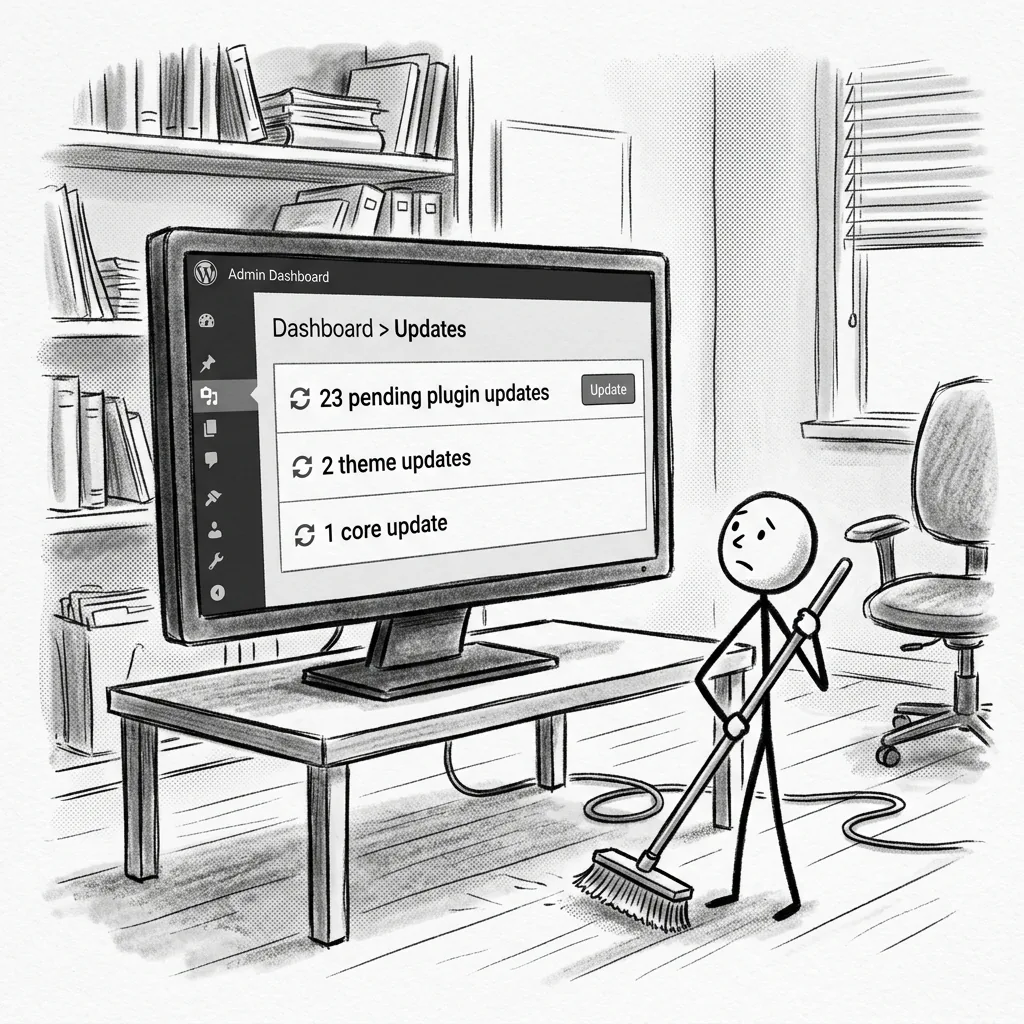
- Update WordPress core if a new version is available. Read the release notes for anything that might affect your site's functionality before applying.
- Update plugins individually, not all at once. After each update, check the relevant functionality — if you update a form plugin, test the forms. If you update a payment plugin, test a transaction.
- Update the active theme and any parent themes.
- Verify all forms and integrations are working after updates are complete. Do not assume.
- Review Google Search Console for crawl errors, security warnings, or manual actions. If you haven't connected your site to Search Console, do so — it is free, and it is how Google communicates problems directly to site owners.
- Check site speed using Google PageSpeed Insights or GTmetrix. Note any significant changes from the previous month and investigate the cause.
- Review analytics for unusual drops in traffic, engagement, or conversion rates that might indicate a technical problem rather than a content one.
- Update time-sensitive content: any events that have passed, any news items that are no longer current, any program information that has changed.
- Review the staff page for accuracy. This is a monthly task, not an annual one — staff changes happen continuously, and the gap between reality and the website's account of reality has a way of widening faster than anyone intends.
- Run a security scan if your security plugin does not do so automatically.
- Clear unnecessary data from the database: spam comments, post revisions beyond the last five, transient data that has accumulated over time.
What Should Be on a Quarterly Nonprofit Website Maintenance Checklist?
Quarterly website maintenance takes a wider view — less focused on technical housekeeping and more on the site's accuracy, coherence, and performance as a representation of the organization.
It is the difference between keeping the engine running and asking whether the car is still going to the right destination.
- Full content audit. Review every page on the site for accuracy. Staff bios, program descriptions, impact statistics, partner acknowledgments, contact information, and any page that references dates, funding, or current initiatives. Pay particular attention to any page that a grant reviewer or major donor is likely to read carefully.
- Mobile device review. Load the site on at least two different mobile devices and one tablet. Confirm that all content renders correctly, that navigation works, and that forms are usable on a small screen. Browsers and devices update on their own schedule, and something that rendered correctly six months ago may not render correctly today.
- Full forms and integrations test. Go further than the monthly check — test the complete downstream process for every form. A donation submitted through the form: does it appear in the CRM? Trigger the appropriate email sequence? Generate the correct acknowledgment letter? Follow the data through the entire workflow.
- Broken link audit. Use a tool such as Screaming Frog, Ahrefs, or the free Broken Link Checker plugin to identify dead links across the site. External links break as other organizations update their sites; internal links break after content is reorganized. Both erode user experience and search performance.
- Design consistency review. Look at the site with fresh eyes — specifically, with the eye of a thoughtful first-time visitor. Is the visual presentation consistent across pages? Are images rendering at the correct proportions? Does every page feel like it belongs to the same organization? This is the review that catches the design drift that accumulates between monthly checks.
- Performance and Core Web Vitals review. Check the site's Core Web Vitals scores in Google Search Console. Address any Largest Contentful Paint, Cumulative Layout Shift, or Interaction to Next Paint issues flagged as poor.
- Accessibility spot-check. Run a page through the WAVE accessibility tool or similar. Address any high-priority issues identified. A full accessibility audit is an annual task; a quarterly spot-check catches the most egregious new issues introduced through content updates.
- Plugin audit. Review the full list of installed plugins. Identify any that are inactive, any that haven't received a developer update in over twelve months (a warning sign of abandonment), and any that duplicate the functionality of another plugin.
- Hosting and performance review. Confirm that current hosting is meeting the site's needs. Review the hosting provider's uptime reports for the quarter. If the site is on shared hosting and performance is degrading, evaluate whether managed WordPress hosting would be more appropriate.
What Should Be on an Annual Nonprofit Website Maintenance Checklist?
The annual website maintenance review is a strategic exercise as much as a technical one — a moment to step back from the monthly rhythm and ask whether the site, as a whole, is still serving the organization well.
It is also the moment for several critical administrative tasks that require annual attention and that have a way of lapsing when nobody is specifically watching for them.
- Strategic content review. Does the site accurately reflect the organization's current programs, priorities, and positioning? Not just individual pages, but the site's overall narrative — what it says about who you are, what you do, and who you serve.
- Full accessibility audit. Engage a tool or specialist to audit the site against WCAG 2.1 AA standards. Address any issues identified. Document the audit and any remediation performed — this documentation has value in the event of an accessibility complaint.
- SSL certificate renewal. Confirm that the SSL certificate is current and set to renew automatically before it expires. A lapsed certificate produces the "not secure" warning in browsers — a warning that donors notice, even if they cannot explain exactly what it means.
- Domain registration review. Confirm that the domain is registered for at least another two years and that the renewal contact and payment information is current. Domain expiration is an entirely avoidable catastrophe that nonetheless claims nonprofit websites with some regularity.
- Hosting renewal and review. Confirm hosting renewal terms and evaluate whether the current hosting arrangement is still appropriate for the site's needs and traffic.
- Backup restoration test. Don't just take backups — restore one. Set up a staging environment and restore the most recent backup to it. Confirm that the site functions correctly from the restored version. A backup that has never been tested is, at best, a hopeful hypothesis.
- User account audit. Review every WordPress user account. Remove accounts belonging to staff who have left, contractors whose work is complete, and anyone whose access level is higher than their current role requires. This is a security measure that most sites neglect entirely.
- Third-party integrations review. Review every service connected to the site — the CRM, email platform, payment processor, event management tool, and any other integration. Confirm that data is flowing correctly, that API connections are active, and that the terms of each service still align with organizational needs.
- SEO review. Review the site's search performance over the past twelve months in Google Search Console. Identify which pages are ranking, which queries are driving traffic, and where opportunities for improvement exist.
- Brand consistency review. Has the organization updated its visual identity, messaging, or tone over the past year? Does the site reflect those updates consistently, or are there pages still carrying the old logo, the old color palette, or the language of a previous strategic cycle?
- Full security audit. Engage a security scan at the deepest available level. Review user passwords, file permissions, database prefix, login protections, and any other security configurations that may have drifted from best practice.
How Do You Make a Website Maintenance Checklist Actually Work?
A website maintenance checklist works when it is owned by a named person, scheduled on a real calendar, and treated with the same organizational priority as any other recurring obligation.
The checklist itself is the easy part. The hard part is the organizational infrastructure that ensures someone actually uses it.
Three things make the difference between a checklist that gets done and one that lives in a shared drive as evidence of good intentions.
A named owner. Not "the communications team." Not "whoever has time." One specific person whose job description includes website maintenance and whose performance review reflects whether it happens. In the absence of a named owner, the checklist is everyone's responsibility, which is the organizational equivalent of no one's.
A protected calendar slot. Monthly website maintenance should appear on a calendar as a recurring event with the same status as a board meeting or a grant deadline — not as a suggestion that gets moved when something more urgent arrives, which is always. The weekly check should be a standing fifteen-minute appointment at the start of each week.
A documented protocol. The checklist should live somewhere accessible, updated, and not dependent on any one person's memory. It should include login credentials stored securely, a record of all plugins and their purposes, hosting and domain renewal dates, and a clear protocol for what to do when something breaks.
If all three of these are genuinely in place, in-house maintenance using this checklist is entirely viable.
If any of them are aspirational rather than actual — if the "named owner" is really the executive director plus whoever is available, if the calendar slot is the first thing moved when the quarter gets busy, if the protocol exists in the previous communications manager's memory rather than a document — then a monthly website care plan with an outside partner may be the more reliable solution.
The checklist does not change. What changes is who is accountable for completing it.
Vivienne provides monthly website care plans for Connecticut nonprofits — we work through this checklist on your behalf, every month, so your site stays secure, current, and looking the way it should. [See our care plans →]