There is a document, familiar to anyone who has ever worked in or adjacent to the nonprofit sector, which might be called the Organizational Inventory of Things Nobody Has Gotten Around To. It contains, depending on the institution, items such as: the filing cabinet in the second-floor storage room whose contents date to the previous administration; the strategic plan that was finalized in 2019 and has not been revisited since; and, near the bottom, entered in the handwriting of whoever was communications manager before the last communications manager, a note that reads simply: website.
The website, it turns out, has been running on its own for some time now.
This is not a judgment. It is a condition — endemic, understandable, and, in the taxonomy of nonprofit operational challenges, somewhere between "the board treasurer who only replies to emails on Sundays" and "the grant report due the same week as the annual gala." The question is not how it happened. The question is what to do about it.
This guide attempts a comprehensive answer. It covers what nonprofit website maintenance actually involves, why nonprofits face particular challenges that other organizations don't, what happens when maintenance is deferred, how to establish a maintenance rhythm that actually holds, and how to decide whether to manage the work internally or bring in a partner. It is, in short, everything a small or mid-sized nonprofit needs to know about keeping its WordPress website in the condition it deserves.
What Is Nonprofit Website Maintenance?
Nonprofit website maintenance is the ongoing, systematic work of keeping a WordPress website secure, up to date, and accurately representing the organization — performed on a regular schedule rather than in response to emergencies.
It is not a one-time project. It is not a redesign. It is not the thing you do when the site breaks.
It is, rather, the discipline of tending to a piece of infrastructure that is simultaneously your organization's most public face and, in most nonprofits, its most neglected operational asset. The goal of wordpress website maintenance is simple to state and surprisingly difficult to sustain: the site should, at all times, work correctly, load quickly, remain secure, and look like it reflects the organization that it nominally represents.
What Does Nonprofit Website Maintenance Include?
Comprehensive nonprofit website maintenance covers three distinct categories of work, each of which is necessary and none of which is sufficient on its own.
Technical maintenance is the category most people think of first, and it is foundational. It includes:
- Updating WordPress core software, which powers the site's underlying architecture
- Updating themes, which control the site's visual presentation
- Updating plugins — the add-on tools that handle everything from contact forms to donation processing to event calendars — and monitoring for conflicts when wordpress plugins stop working after updates
- Running daily or weekly backups and testing them to confirm they can actually be restored
- Monitoring site uptime so that outages are detected immediately rather than discovered by a donor
- Running security scans to identify vulnerabilities before they are exploited
- Monitoring and improving site speed and Core Web Vitals scores, which affect both user experience and search rankings
Content maintenance is the category most organizations systematically underestimate, and it is where trust erodes most visibly. It includes:
- Keeping staff pages, program descriptions, and organizational information accurate and current
- Updating event listings, news sections, and time-sensitive content
- Fixing broken links, which accumulate as external sites change their URLs
- Removing or updating outdated images, ensuring photos reflect the current organization
- Maintaining consistent formatting and visual standards as new content is added
Functional monitoring is the category with the highest potential for quiet catastrophe. It includes:
- Testing donation forms and payment processing regularly — not assuming they work because they once did
- Verifying that contact forms are delivering messages to the right people
- Checking integrations with third-party tools: CRMs, email marketing platforms, event management systems
- Confirming that SSL certificates are current and that the site is serving securely over HTTPS
- Testing the site across browsers and devices, since what renders correctly in Chrome on a laptop may not render correctly in Safari on a phone
Many organizations choose to formalize this work through a website care plan — a monthly arrangement, either managed internally or outsourced to a specialist, that ensures all three categories receive consistent attention rather than intermittent panic.
Why Do Nonprofits Struggle with WordPress Website Maintenance?
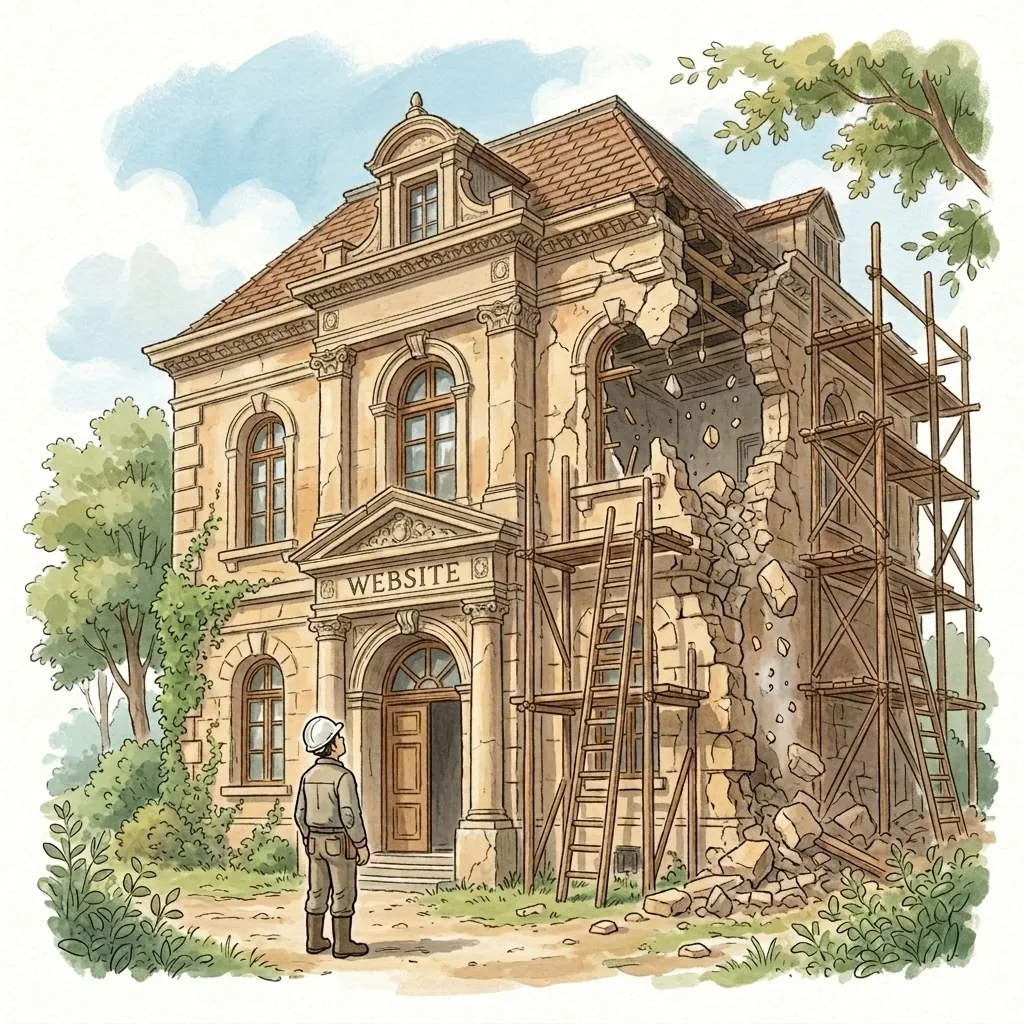
Nonprofits struggle with WordPress website maintenance primarily because the work requires consistent, specialized attention that most small organizations are not staffed or budgeted to provide. The result is a sector-wide pattern of deferred maintenance that leaves the majority of nonprofit websites in worse condition than their organizations realize.
Every organization with a website faces maintenance challenges. Nonprofits, however, have assembled a particular constellation of circumstances that makes the problem harder than average — and that makes the case for a formal website care plan more compelling than it might first appear.
Staff turnover is unusually high. The person who built the website, or who knew the hosting credentials, or who understood why the homepage slider behaves the way it does, has in many cases been gone for years. What they left behind is a system that works until it doesn't, and a new hire who has inherited it along with their other responsibilities and who approaches it, understandably, with some trepidation. Institutional knowledge about WordPress configurations, plugin dependencies, and site architecture walks out the door with departing staff and is rarely documented.
There is no one whose job this is. A corporate marketing department has a web team. A small nonprofit has a program manager who is also handling communications, a part-time operations coordinator, and an executive director who did not enter the sector in order to learn the difference between a PHP version and a plugin conflict. WordPress website maintenance falls to whoever is available, which is to say it falls to no one in particular, which is to say it doesn't get done — until something breaks, at which point it gets done badly and urgently.
Budgets reward mission, not infrastructure. There is nothing in Maslow's hierarchy for "keeping the donation form functional," and there is nothing in most program officers' grant guidelines for "monthly website maintenance." When resources are constrained — and in the nonprofit sector, resources are always constrained — maintenance feels like overhead, which is the category of expense that funders least like to see and staff least like to justify. The website thus becomes an organizational act of faith: it will probably be fine.
The website serves too many audiences simultaneously. A nonprofit website is asked to do more than most. It must simultaneously welcome first-time donors, serve returning volunteers, provide information to clients and families, satisfy the due diligence of grant reviewers, and maintain the confidence of board members — each of whom arrives with different expectations and a different kind of scrutiny. Keeping all of that content accurate, current, and coherent is a real editorial undertaking that most organizations are not staffed to sustain.
The stakes for donor trust are particularly high. Research consistently shows that website quality affects donor giving decisions. A potential major donor conducting research before committing to a significant gift will form impressions from the site that are difficult to override with a personal conversation. A website that looks abandoned — outdated staff photos, stale events, slow load times — communicates something about organizational competence that no amount of genuine good work entirely corrects.
What Happens When You Neglect Nonprofit Website Maintenance?
Neglecting nonprofit website maintenance leads to security vulnerabilities, broken functionality, eroded donor trust, declining search rankings, and ultimately higher costs than regular maintenance would have required. The consequences tend to be quiet and cumulative — which is precisely why they go unaddressed for so long.
Until, of course, they aren't quiet.
Security breaches become likely, not merely possible. WordPress powers approximately forty-three percent of all websites on the internet, which makes it the most attractive target for the automated systems that continuously scan the web for vulnerabilities to exploit. Outdated plugins are the most common point of entry — and with the average WordPress site running between fifteen and thirty plugins, the attack surface is substantial. An exploited vulnerability can result in malware injected into the site, donor payment data compromised, the organization's domain blacklisted by Google as a security threat, and the kind of reputational situation that produces an extraordinary board meeting with no good agenda.
WordPress plugins stop working — silently. When a WordPress update is applied, or when a plugin updates itself, it does not always coexist harmoniously with the other elements of the site. A contact form can stop submitting. A donation form can stop processing. An event calendar can stop displaying. These failures do not announce themselves with error messages visible to the site's administrators. They simply stop working, in silence, while visitors encounter them and leave. In organizations without anyone specifically monitoring for such things, a broken wordpress donation form can remain broken for weeks.
A WordPress update can break the entire site. Major WordPress core updates, in particular, have a well-established history of introducing incompatibilities with themes and plugins that haven't been updated in parallel. "The wordpress update broke my site" is not an unusual experience — it is a predictable outcome of applying updates without first taking a complete backup and testing in a staging environment. Organizations without a maintenance protocol frequently discover this at the worst possible moment.
The content begins to tell a story the organization didn't intend. The staff page with photographs of people who left in 2022. The events section with listings for gatherings that took place last spring, still marked "upcoming." The programs description that accurately reflected a service model the organization has since revised. Each of these details, taken individually, is minor. Taken together, they communicate to a careful visitor — and the visitors who matter most tend to be careful — that no one is minding the store.
Search rankings decline. Google's algorithm rewards sites that are technically healthy, load quickly, and show consistent signs of active maintenance. It penalizes sites that are slow, insecure, or stale. An organization that once appeared on the first page of results for its own programs can find itself invisible to people searching for exactly the services it provides — not because anything dramatic happened, but because maintenance was deferred long enough that the algorithmic penalties accumulated.
Emergency repairs cost significantly more than prevention. Recovering a hacked WordPress site typically costs between $500 and $3,000 for professional remediation, not counting reputational damage or the staff time consumed in the process. Untangling years of deferred plugin conflicts and content drift in preparation for a redesign adds thousands more. A monthly website care plan, by comparison, costs a fraction of a single emergency intervention.

The Complete Nonprofit WordPress Maintenance Checklist
A complete nonprofit website maintenance checklist covers weekly security checks, monthly WordPress updates, quarterly content audits, and an annual strategic review. What follows is the full checklist — organized by cadence, annotated for the non-technical reader who will, in all likelihood, be the one responsible for ensuring it actually happens.
Weekly Website Maintenance Tasks
The weekly checklist is deliberately short. Its purpose is to catch acute problems before they become crises.
- Check site uptime. Confirm the site is loading correctly in a browser. If you have an uptime monitoring tool, review the week's report.
- Test the donation form. Submit a test transaction. Confirm the confirmation email arrives. This takes two minutes and has saved more than one year-end campaign.
- Test the contact form. Submit a test inquiry and confirm it reaches the correct inbox.
- Review the security dashboard. If you're using a security plugin such as Wordfence or Sucuri, review the week's scan results for anything flagged.
- Apply critical security updates. If WordPress or a plugin has released a security patch, apply it — after taking a backup.
Monthly Website Maintenance Tasks
Monthly website maintenance is where the substantive technical work happens. It requires more time and more care.
- Take a complete backup of files and database before making any updates.
- Update WordPress core if a new version is available. Review the release notes for anything that might affect your site's functionality.
- Update all plugins. Check each one individually rather than updating all at once — a staggered approach makes it easier to identify which update caused a problem if something breaks.
- Update the active theme and any parent themes.
- Confirm all forms and integrations are working after updates are applied.
- Review Google Search Console for crawl errors, security warnings, or manual actions.
- Check site speed using Google PageSpeed Insights or GTmetrix. Investigate any significant degradation.
- Review analytics for unusual drops in traffic or engagement that might indicate a technical problem.
- Update time-sensitive content: upcoming events, current news, active programs.
Quarterly Website Maintenance Tasks
Quarterly maintenance takes a wider view — less about technical housekeeping and more about the site's coherence and accuracy as a representation of the organization.
- Content audit: Review every page for accuracy. Staff changes, updated program descriptions, revised contact information, outdated statistics.
- Mobile device review: Load the site on multiple devices and screen sizes. Confirm that content renders correctly and that nothing has broken in a recent browser update.
- Full forms and integrations test: Go further than the weekly check — test every form on the site, confirm all third-party integrations are functioning end-to-end.
- Broken link check: Use a tool such as Screaming Frog or the Broken Link Checker plugin to identify and fix dead links.
- Performance review: Assess Core Web Vitals scores. Address any images that haven't been compressed, any plugins that are adding unnecessary load time.
- User experience review: Navigate the site as a first-time visitor. Follow the paths a donor, a client, and a grant reviewer would take. Note anything confusing, broken, or inconsistent.
- Database cleanup: Remove spam comments, post revisions, and transients that accumulate over time and slow the database.
Annual Website Maintenance Tasks
The annual review is a strategic exercise as much as a technical one.
- Full content review: Does every page still accurately reflect the organization's programs, values, and current work?
- Accessibility audit: Test against WCAG 2.1 AA standards. Nonprofits serving the public have both legal and ethical obligations here.
- SSL certificate renewal: Confirm the certificate is current and set to renew automatically.
- Domain registration review: Confirm the domain is registered for at least another two years and that the renewal contact information is current.
- Hosting review: Evaluate whether current hosting is meeting the site's performance needs. Consider whether managed WordPress hosting would be more appropriate.
- Plugin audit: Review every installed plugin. Remove any that are inactive, abandoned by their developers, or redundant.
- Brand consistency review: Does the site still reflect the organization's current visual identity, messaging, and tone?
- Backup restoration test: Don't just take backups — restore one to a staging environment to confirm it actually works.
What Are the Most Common WordPress Problems for Nonprofits?
The most common WordPress problems nonprofit organizations face include broken plugins after updates, slow page load times, security vulnerabilities from outdated software, broken donation forms, and gradual visual drift from inconsistent content management. Each of these is predictable, preventable, and significantly easier to address before it becomes a crisis.
WordPress plugins not working after updates is the most frequent technical complaint. The WordPress ecosystem contains more than sixty thousand plugins, built by developers with varying levels of commitment to compatibility testing. When wordpress plugins stop working, the cause is almost always an update — either to the plugin itself, to WordPress core, or to another plugin that shares a dependency. The fix is usually straightforward; the challenge is catching it quickly. Ongoing monthly website maintenance includes post-update testing specifically to catch these conflicts before anyone else does.
Site speed degradation accumulates invisibly. Images uploaded at full resolution rather than compressed for web. Plugins installed for a single use case in 2020 and never removed. A theme that hasn't been updated since its developer moved on to other projects. A hosting plan that was adequate three years ago and is no longer. Each of these contributes incrementally to load times that, past a threshold of about three seconds, begin to cost the site measurable visitor engagement — and, for nonprofit sites with donation processing, measurable revenue.
Security vulnerabilities from outdated software are not theoretical. There are automated scanning tools running continuously across the internet, looking specifically for WordPress sites running known vulnerable versions of plugins and themes. The interval between a vulnerability being published and it being actively exploited is measured in hours, not weeks. A site that hasn't been updated in several months is, from a security standpoint, an open invitation.
Broken donation forms occupy a special category of anxiety for development staff. The form appears to function — there is a button, there is a page, there is what looks like a confirmation — but somewhere in the process, something has broken. Payments aren't processing. Confirmations aren't being sent. Records aren't appearing in the CRM. Because the failure is silent rather than dramatic, it can persist for an alarming length of time. Regular functional testing — specifically, submitting actual test transactions and confirming the entire downstream process — is the only reliable defense.
Database bloat is a less dramatic but genuinely consequential problem for sites that have been running for several years. WordPress stores post revisions, spam comments, transient data, and other accumulated records that grow the database over time and slow query performance. Regular database optimization is a standard component of any responsible monthly website maintenance routine.
What Are the Specific Website Requirements for Nonprofits?
Nonprofits have specific website requirements beyond standard WordPress maintenance, including ADA accessibility compliance, secure donation processing, donor data protection, and SSL security. These requirements reflect both legal obligations and the particular trust relationship that nonprofits maintain with the public they serve.
ADA and WCAG accessibility compliance. The Americans with Disabilities Act, as interpreted by federal courts in an expanding body of case law, applies to nonprofit websites. WCAG 2.1 AA is the current standard against which accessibility is typically measured. Compliance involves ensuring that images have descriptive alt text, that color contrast meets minimum ratios, that videos include captions, that the site is navigable by keyboard, and that screen readers can parse the site's structure. Accessibility audits should be part of the annual review — and remediation, where required, should be treated as the legal and ethical obligation it is rather than a nice-to-have.
Secure donation processing. If your site accepts online donations — even through an embedded third-party form — it has obligations around payment security. These include maintaining a current SSL certificate (the padlock in the browser address bar), ensuring that any payment processor you use is PCI-DSS compliant, and confirming that donor payment data is never stored in your WordPress database where it doesn't need to be.
Donor data protection. Beyond payment data, the contact information, giving histories, and communication preferences of donors represent a significant data asset that carries both ethical and, increasingly, legal obligations. If your organization has donors in California or the European Union, CCPA and GDPR respectively impose specific requirements around data handling, retention, and the right to erasure. A maintenance partner who understands these obligations is more valuable than one who only understands code.
SSL and HTTPS. Google has, for several years, flagged non-HTTPS sites in Chrome as "not secure" — a warning that appears directly in the browser address bar and that meaningfully affects donor confidence. An SSL certificate is not optional. It requires renewal, typically annually, and the renewal process needs to be on someone's calendar with enough lead time to prevent an unintentional lapse.
CAN-SPAM and email integration compliance. Many nonprofit websites are integrated with email marketing platforms — Mailchimp, Constant Contact, and their peers. The sign-up forms, unsubscribe mechanisms, and data handling practices associated with these integrations have regulatory implications that should be reviewed periodically.
How Do You Evaluate the Health of Your Nonprofit Website?
To evaluate the health of your nonprofit website, run a structured diagnostic covering technical performance, security status, content accuracy, and functional integrity. The following assessment can be completed without technical expertise and provides a reliable baseline.
Technical health check:
- Enter your URL into Google PageSpeed Insights (pagespeed.web.dev). A score below 50 on mobile indicates significant performance issues requiring attention.
- Check whether the site loads over HTTPS. If your browser shows a "not secure" warning, the SSL certificate has lapsed or was never installed.
- Enter your URL into Google Search Console (if you have access) and review the Coverage report for crawl errors.
- Use a free tool such as GTmetrix to assess page load time. Above three seconds is a problem; above five is serious.
Security check:
- Note when WordPress core and plugins were last updated. If the answer is "I don't know," that is its own answer.
- Review the WordPress dashboard for update notifications. A long queue of pending updates is a security risk that has been accumulating in plain sight.
- Check whether any plugins on the site have been abandoned by their developers — meaning no updates in over twelve months.
Content accuracy check:
- Review the staff page. Is everyone listed currently employed by the organization?
- Review the events section. Are there past events still listed as upcoming?
- Review the programs page. Does it accurately reflect what the organization currently does?
- Check the contact information on every page that displays it.
Functional integrity check:
- Submit a test through the donation form. Does the process complete? Does the confirmation arrive?
- Submit a test through the contact form. Does the message arrive in the correct inbox?
- Load the site on a mobile phone. Does everything display correctly?
If the answers to more than two or three of these checks are uncertain or unfavorable, the site requires attention — and the question is only whether that attention should come from within the organization or from a monthly website maintenance partner.
What Is WordPress Hosting for Nonprofits, and Why Does It Matter for Maintenance?
WordPress hosting for nonprofits is the server infrastructure on which a WordPress website runs — and it is more directly related to website maintenance than most organizations realize. The quality of hosting affects site speed, security, and the ease with which maintenance tasks can be performed.
Managed WordPress hosting — offered by providers such as WP Engine, Kinsta, and Flywheel — is distinguished from generic shared hosting by its specific optimization for WordPress: automatic WordPress core updates, daily backups, built-in security scanning, and server configurations tuned for WordPress performance. For nonprofits, managed hosting meaningfully reduces the technical maintenance burden and provides a safety net that generic hosting does not.
Shared hosting — the "unlimited websites for $5 a month" category — places a nonprofit's site on a server alongside potentially thousands of other sites. When one of those sites is compromised, the shared environment creates risk for all of them. When the server is under load, all the sites on it slow down simultaneously. For a site that processes donations or serves vulnerable populations, the reliability and security implications are worth taking seriously.
Many website care plans include managed hosting as part of the monthly fee — a sensible arrangement that consolidates the relationship and ensures that hosting and maintenance are optimized in tandem rather than managed separately.
Nonprofits should also be aware that several managed hosting providers offer nonprofit discounts, some of them substantial. The cost of good hosting, net of those discounts, is frequently lower than organizations assume.
Should You Outsource Website Maintenance or Handle It In-House?
For most nonprofits, the practical answer is to outsource website maintenance — not because in-house management is inherently inferior, but because it reliably fails to happen with the consistency that effective maintenance requires.
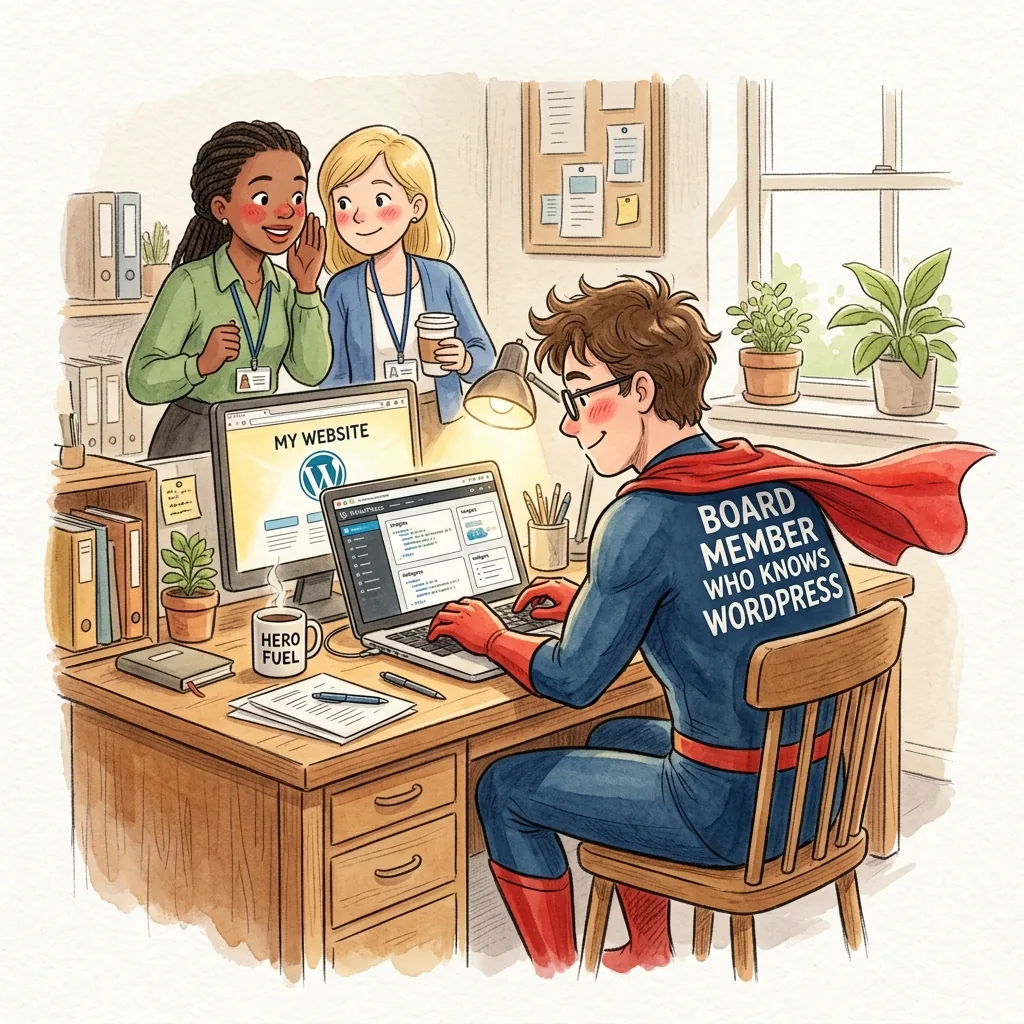
The theoretical case for in-house management is coherent. If your organization employs someone with genuine WordPress proficiency, dedicated time for maintenance tasks, and a documented protocol for keeping the work on schedule regardless of competing priorities — then in-house management is entirely viable.
The practical case is narrower than it appears.
In most small nonprofits, the person nominally responsible for the website is responsible for several other things as well, and the website, being neither a grant deadline nor a client emergency, consistently finds its way to the bottom of the list. Maintenance happens when something breaks — which is to say, maintenance doesn't really happen at all.
When organizations choose to outsource website maintenance, they are purchasing something more valuable than technical skill: they are purchasing consistency. The same work, performed to the same standard, regardless of staff turnover, organizational crises, or the particular intensity of a given quarter.
The case for outsourcing website maintenance is strongest when:
- No current staff member has both the technical knowledge and the available time
- The site has experienced a security incident, a broken integration, or a significant period of neglect
- The executive director is currently the de facto webmaster
- The website processes donations, serves vulnerable populations, or is central to grant reporting
- The organization is too small to justify a dedicated web role but too active to leave the site unattended
What to look for in a website care partner:
Nonprofit experience. Donation forms, accessibility compliance, data security, multiple stakeholder audiences — these are not generic website problems. A partner who has worked extensively with organizations like yours will navigate the context as fluently as the technology.
A design sensibility alongside technical competence. Maintenance is not only about keeping the backend healthy. A site that is technically current but visually incoherent — the accumulated result of years of content added without design oversight — will still underperform. The best maintenance partnerships include someone who notices when the site is starting to look like it was assembled by committee, which, through no fault of your own, it may well have been.
Clear, predictable wordpress care plan pricing. Nonprofits plan budgets months in advance. A maintenance relationship with clearly defined monthly costs and transparent terms for additional work removes the financial unpredictability that causes organizations to avoid maintenance altogether.
Accessible communication. When the donation form breaks on the Tuesday before the annual appeal closes, the response time of your maintenance partner matters considerably. Ask specifically about how urgent issues are handled.
How Much Does Nonprofit Website Maintenance Cost?
Nonprofit website maintenance typically costs between $99 and $400 per month, depending on the scope of services, the size and complexity of the site, and whether hosting is included. WordPress care plan pricing varies considerably across the market.
A useful framework for evaluating what you're paying:
Basic website care plans, $99–$199 per month, cover the technical foundation: WordPress core updates, plugin and theme updates, daily backups, security monitoring, and uptime alerts. Some include a small monthly allocation of content update hours. Appropriate for organizations with simple, relatively static sites and minimal content management needs.
Mid-tier website care plans, $200–$400 per month, add meaningful content update hours, priority response times, performance optimization, and frequently managed hosting. More appropriate for organizations with active programs, regular event listings, staff changes, and the kind of content management needs that require a real ongoing relationship rather than an automated service.
Premium plans and retainers, above $400 per month, provide significant development capacity alongside maintenance — appropriate for larger organizations, those with complex integrations, or those whose website is a central operational platform rather than primarily a communications tool.
For most small to mid-sized Connecticut nonprofits, the $200–$350 per month range provides the right balance — comprehensive enough to address the full scope of technical and content maintenance, affordable enough to justify as an operational line item.
One framing that tends to be clarifying when evaluating wordpress care plan pricing: if your website generates donations, supports grant applications, or serves as the primary way clients and families find you, it is not overhead. It is program infrastructure — as essential to delivering your mission as the software you use to manage cases or the phone system you use to communicate with donors. Maintaining it is part of running the program.
What Is the Difference Between a Website Care Plan and WordPress Website Maintenance?
A website care plan is the formalized, contractual version of WordPress website maintenance — a defined monthly arrangement specifying what will be done, by whom, at what price, and with what response time commitments. WordPress website maintenance is the broader category of activity; a website care plan is the structure that ensures it happens reliably.
Think of it this way: a nonprofit that intends to maintain its website internally is engaged in WordPress website maintenance — or, more precisely, intends to be. A nonprofit enrolled in a monthly website care plan has a partner who is contractually committed to performing defined maintenance tasks on a specific schedule, with specific accountability if something goes wrong.
The practical difference is consistency. Well-intentioned internal maintenance tends to be performed when time permits, which is to say intermittently, which is to say insufficiently. A website care plan removes the dependency on availability and places the work in the hands of someone for whom it is a primary, not a supplementary, responsibility.
There is also a design dimension to the distinction that is worth drawing explicitly. WordPress website maintenance, as most providers define it, addresses the technical layer: updates, backups, security, uptime. A website care plan, properly conceived, includes attention to the visual and editorial coherence of the site as well — the design drift that accumulates as content is added over time by people who were thinking about the content rather than the design.
A stretched banner photograph. A new program page built without the correct template. A staff section that has added three people in the past year without anyone reviewing whether the layout still works. None of these breaks the site in any technical sense. All of them erode the impression the site makes — and that impression is what stands between your organization and the trust of the people you are trying to reach.
Frequently Asked Questions About Nonprofit Website Maintenance
How long does nonprofit website maintenance take each month?
A thorough monthly website maintenance routine — updates, testing, content review, security scan, performance check — requires approximately two to four hours for a site of average complexity. Weekly checks add another thirty minutes. Organizations that underestimate this time commitment are the ones whose maintenance plans quietly lapse.
Can I maintain my nonprofit WordPress website myself?
Yes, with the right combination of technical knowledge, available time, and discipline to maintain a consistent schedule. The challenge is that most nonprofit staff who take on website maintenance responsibility have neither the dedicated time nor, in many cases, the technical depth to address problems when they arise. The question is not whether you are capable of doing it — it is whether it will actually get done, consistently, over the long term.
What happens if I don't update my WordPress plugins?
Outdated plugins are the most common cause of WordPress security breaches. When plugin developers discover vulnerabilities, they release updates that patch them. Sites running the unpatched version remain exposed to those vulnerabilities — and automated scanning tools will find them. Beyond security, outdated plugins are the primary cause of the "wordpress update broke my site" scenario, in which a major WordPress core update introduces an incompatibility with a plugin that hasn't been maintained.
How do I know if my nonprofit website has been hacked?
Common signs of a compromised WordPress site include: the site loading slowly or erratically; unexpected redirects to other websites; a Google warning appearing in search results; the hosting provider suspending the account; spam content appearing on pages; or login credentials suddenly not working. Some compromises are visible; many are not — which is why ongoing security scanning is a standard component of responsible nonprofit website maintenance.
Do nonprofits need ADA-compliant websites?
The Americans with Disabilities Act has been interpreted by federal courts to apply to nonprofit websites, and an increasing number of organizations have faced legal challenges on accessibility grounds. WCAG 2.1 AA compliance is the current standard. Beyond legal obligation, an accessible website reflects the values that most nonprofits are built on — the belief that the services, information, and opportunities you provide should be available to everyone.
How often should I back up my nonprofit WordPress website?
Daily backups are the appropriate standard for an active nonprofit website. Backups should be stored in a location separate from the hosting server — if the server is compromised, a backup stored on the same server is not a backup. Monthly or quarterly backup restoration tests, in which you actually restore the backup to a staging environment and confirm it works, are an underappreciated component of a complete maintenance protocol.
What is managed WordPress hosting, and do nonprofits need it?
Managed WordPress hosting is server infrastructure specifically optimized for WordPress, typically including automatic WordPress core updates, daily backups, built-in security scanning, and performance optimization. It costs more than generic shared hosting — typically $25–$75 per month for a small site — but provides meaningfully better security, performance, and reliability. For nonprofits that process donations or serve vulnerable populations, the additional cost is generally justified.
Should I redesign my nonprofit website or just maintain it better?
In most cases, better maintenance will produce better results than a redesign. A redesigned site that is not subsequently maintained will, within two to three years, present the same problems as the site it replaced. A well-maintained existing site will improve in performance, security, and content quality over time without the disruption and expense of a redesign project. If the site's design is genuinely outdated or its architecture is no longer serving the organization's needs, a redesign may eventually be warranted — but it is rarely the urgent priority that organizations in maintenance neglect believe it to be.
How do I find a good nonprofit website maintenance provider?
Look for a provider with documented nonprofit experience, transparent monthly pricing, clear service-level commitments for response times, and — this point is worth emphasizing — a design sensibility alongside technical competence. Ask for references from nonprofit clients. Ask specifically how they handle urgent issues outside regular business hours. A provider who understands the nonprofit context — the budget constraints, the staff limitations, the donor relationships at stake — is more valuable than one who is technically proficient but has only worked with commercial clients.
How Do You Start a Monthly Website Maintenance Plan for Your Nonprofit?
The first step in establishing a monthly website maintenance plan is to assess honestly where the site currently stands — not to redesign it, not to rebuild it, but to understand what it actually needs.
Run through the diagnostic in the section above. Get a clear picture of when plugins were last updated, whether the donation form is working, whether the content is current, and whether the site is loading at an acceptable speed. Then decide: is this something your organization can commit to maintaining internally, with a named person, a defined schedule, and a protocol that doesn't depend on that person's continued employment? Or does the honest answer point toward a care plan with an outside partner?
If you choose to manage it internally, document everything. Who is responsible for what. What the schedule is. Where the login credentials are stored. What to do if something breaks.
If you choose to outsource, take the time to find the right partner rather than the nearest one. The relationship works best when the partner understands your organization, communicates proactively rather than waiting to be asked, and treats the site as what it is — not a technical artifact but a public representation of work that matters.
The website, in the end, is not a problem to be solved once. It is an obligation to be met, consistently, by someone whose job it actually is. The organizations that get this right don't have better websites because they spent more on redesigns. They have better websites because someone showed up, every month, and took care of them.
Vivienne is a website care practice for Connecticut nonprofits. We offer monthly WordPress maintenance, security, updates, backups, and the design attention that keeps your site looking the way it should — so that the first thing a donor sees reflects the organization you've built. [Explore our care plans →]