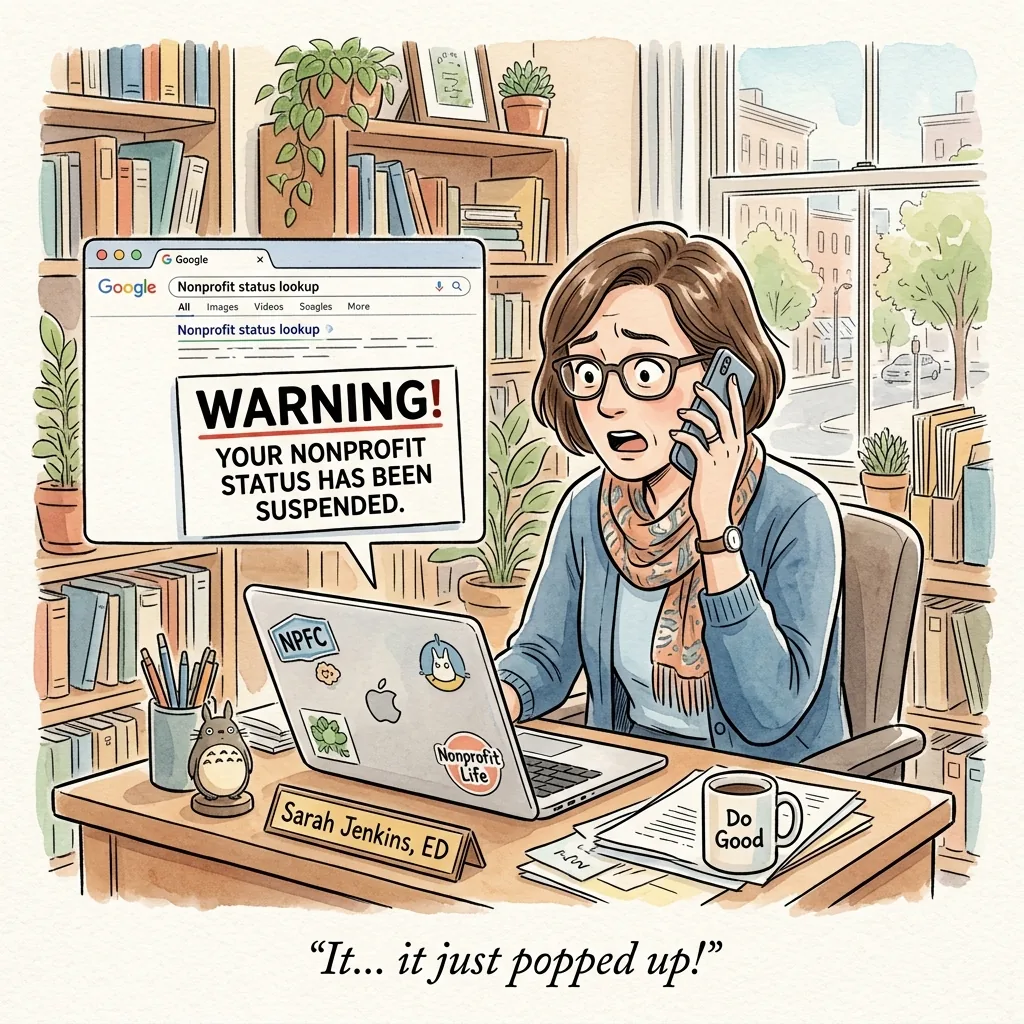
It begins, typically, not with a dramatic alert but with a phone call.
A board member, conducting what they describe as routine due diligence, has Googled the organization. The search result — where the website's name and mission statement used to appear — now displays, in red, a warning from Google that the site may be harmful to visitors. The board member is calling to ask if you know about this. Their tone suggests they very much hope you do.
You did not know about this.
What follows is the particular variety of organizational crisis that nobody includes in the executive director job description: not a funding shortfall or a staffing emergency, but a WordPress security incident — simultaneously mundane and catastrophic, technically fixable and reputationally costly, and almost entirely avoidable.
How Do Nonprofit Websites Get Hacked?
Nonprofit websites get hacked primarily through outdated WordPress plugins, themes, and core software that contain known security vulnerabilities — the same vulnerabilities that automated scanning tools are continuously searching the internet to find and exploit.
This is worth understanding clearly, because it changes how the risk feels.
A nonprofit website is not typically targeted because someone specifically wants to harm that organization. It is targeted because a software vulnerability was published, an automated program added the site to a list of sites running that vulnerable software, and the exploit was applied without anyone on the other end making a conscious decision about it.
The attacker, in most cases, is not a person. It is a script.
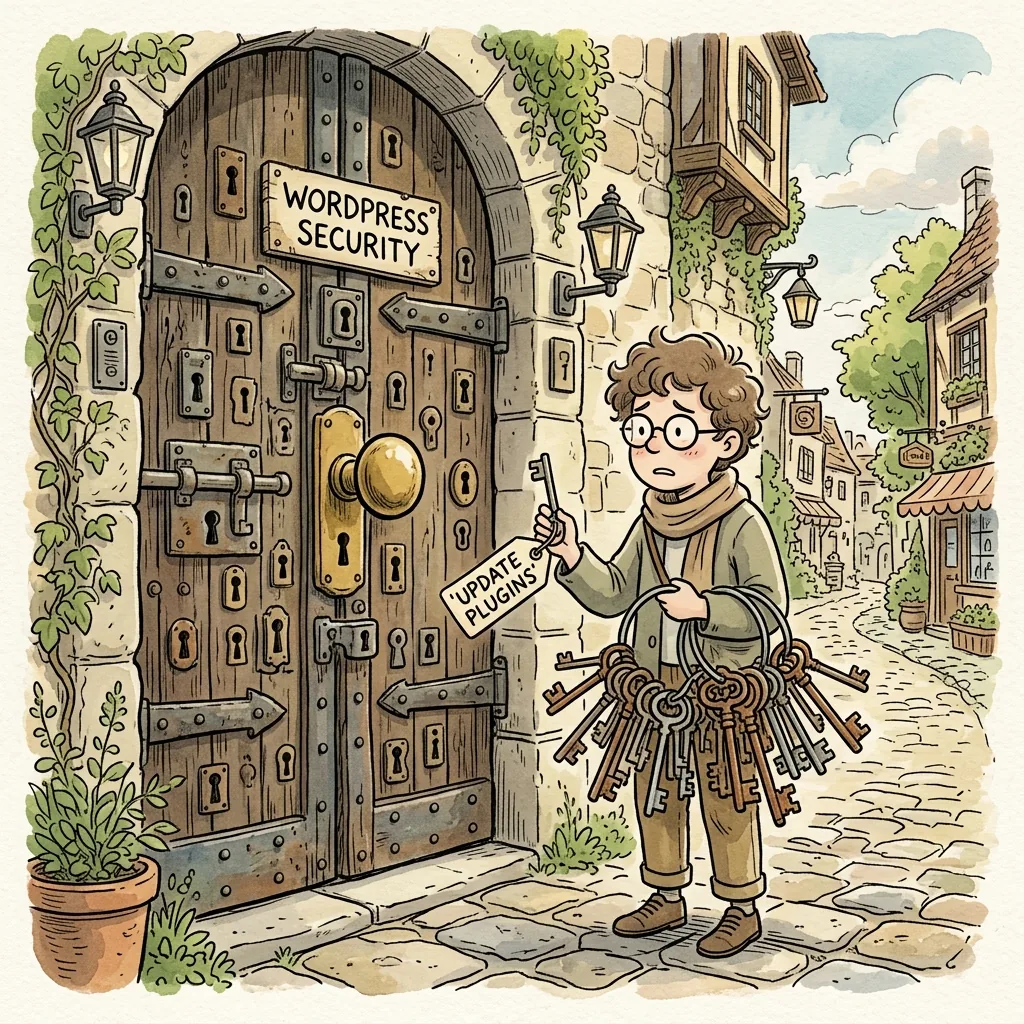
Which means the defense is correspondingly straightforward: keep the software up to date, and the script finds no door to enter. Let the software fall behind, and the door is open to anyone who happens to try.
The most common entry points:
Outdated plugins are the leading cause of WordPress security breaches. The WordPress plugin ecosystem contains more than sixty thousand plugins, many maintained by independent developers who discover and patch vulnerabilities on a rolling basis. Sites that don't apply those patches promptly — and for most nonprofits without a maintenance routine, that means sites that don't apply them at all — remain exposed to vulnerabilities that are, by the time they're exploited, already publicly documented.
Outdated WordPress core and themes present the same risk through the same mechanism. A WordPress core update is frequently a security update. A theme update from a reputable developer frequently contains security fixes. Skipping them is not a neutral choice — it is a decision, usually inadvertent, to leave a known door unlocked.
Weak administrator passwords and unused user accounts are an underestimated vulnerability. Staff who left the organization two years ago may still have active WordPress administrator accounts. Passwords set in 2018 may never have been changed. Both represent access points that a routine security audit would close in minutes.
Insecure hosting environments compound the risk. A nonprofit website on shared hosting shares its server environment with potentially hundreds of other sites. When one of those sites is compromised, the shared environment can create pathways to others. This is not hypothetical — it is a documented attack vector that reputable hosting providers mitigate and budget hosting providers do not.
What Actually Happens When a Nonprofit Website Gets Hacked?
When a nonprofit website is hacked, the organization typically experiences a cascade of consequences: the site is flagged by Google, donor-facing pages may redirect to malicious content, email deliverability is affected, and the process of remediation — technical, reputational, and operational — takes weeks rather than days.
The technical reality is one part of the story. The organizational experience is another.
Google flags the site. Google's Safe Browsing service scans websites continuously for malware and malicious code. When it detects a problem, it adds the site to a blocklist that triggers warnings in Chrome, Firefox, and other browsers — warnings visible to every visitor, including donors, grant reviewers, and the families the organization serves. Getting removed from this blocklist after remediation requires a manual review request that typically takes several days to process.
The site redirects visitors to somewhere else. One of the most common outcomes of a WordPress compromise is the injection of code that redirects visitors — or certain visitors, such as those arriving from Google — to other websites. These may be spam sites, phishing sites, or sites distributing malware of their own. Donors who click through to make a gift arrive somewhere entirely different. Some call to report it. Many simply leave.
Email deliverability collapses. A compromised website domain is frequently used to send spam. When this happens, the organization's domain is added to email blocklists — meaning that legitimate emails from staff, including donor acknowledgments, grant correspondence, and newsletter communications, begin arriving in spam folders or not at all. Restoring email deliverability after a domain has been blacklisted is a separate remediation process from cleaning the website itself.
The hosting provider may suspend the account. Reputable hosting providers monitor for malicious activity and will suspend sites found to be distributing malware or sending spam — to protect their other customers and their own infrastructure. A suspended site produces a different kind of visitor experience: not a warning, but a blank page, or a hosting provider's generic error message. The organization's website is simply gone.
The internal consequences follow. Staff cannot log in. Contractors discover their access credentials no longer work. The development director's carefully crafted year-end appeal, with its prominent donation link, is now sending supporters to a malware site or a blank page. The board has questions. The executive director, who did not know the organization had a WordPress site on version 5.9 with thirty-seven unupdated plugins, is learning this now.
What Are the Signs That a Nonprofit Website Has Been Hacked?
The signs that a WordPress website has been compromised include Google security warnings in search results, unexpected redirects to unfamiliar sites, spam content appearing on pages, sudden drops in search traffic, login credentials that stop working, and hosting provider suspension notices.
Some compromises are immediately visible. Many are not.
A website can be compromised — hosting malware, sending spam, harvesting visitor data — while appearing entirely normal to the organization's staff who check it from their own browsers and cached sessions. The malicious code may be configured to display only to visitors arriving from search engines, or only to visitors on certain devices, or only when specific conditions are met.
This is why nonprofit website security cannot rely on the absence of visible symptoms. Absence of symptoms is not the same as absence of compromise.
The fastest way to check: enter your site's URL into Google's Safe Browsing tool at transparencyreport.google.com. It is free, it takes thirty seconds, and it will tell you immediately whether Google has flagged the site for security issues.
How Much Does It Cost to Recover From a Hacked Nonprofit Website?
Recovering a hacked nonprofit website typically costs between $500 and $3,000 for professional remediation, not including the cost of reputational damage, staff time, or the potential loss of donations during the period the site was compromised or inaccessible.
The range is wide because the complexity of incidents varies considerably.
A straightforward malware injection on a simple site, caught quickly and addressed by a competent WordPress professional, may cost $500–$800 to remediate. A more complex compromise — one that has been in place for weeks or months, that has affected email deliverability, that requires coordination with the hosting provider and Google's Safe Browsing review process, and that needs a full audit to confirm the infection is entirely removed — costs significantly more.
The staff time component is consistently underestimated. The hours spent by the executive director, communications manager, and operations coordinator managing the crisis, communicating with the board, fielding donor inquiries, and coordinating remediation represent real organizational cost — cost that doesn't appear in the invoice from the WordPress security professional but is no less real for its absence.
The donation loss during the period of compromise or inaccessibility is the hardest to quantify and the easiest to imagine. A nonprofit in the middle of a year-end appeal, or a capital campaign, or a matching gift period, with its donation form inaccessible or redirecting to a malware site, is losing contributions in real time with no mechanism to recover them.
One number that tends to concentrate the mind: the average monthly cost of a website care plan that includes security monitoring, regular updates, and prompt response to vulnerabilities is between $199 and $350. The average cost of a single security incident remediation starts at $500 and frequently exceeds it. The math is not complicated.
How Long Does It Take to Recover From a Hacked WordPress Website?
Recovering from a hacked WordPress website takes a minimum of several days and often two to three weeks when the full scope of remediation — malware removal, hosting restoration, Google Safe Browsing review, and email deliverability repair — is considered.
The malware removal itself, performed by a competent professional with access to the site's files and database, can often be completed in a day or two.
What takes longer is everything downstream.
Google's Safe Browsing review, after a cleanup request is submitted, typically takes three to seven business days. Until that review is complete and the site is removed from the blocklist, the security warning remains visible to every visitor arriving through search.
Email deliverability restoration, if the domain has been added to spam blocklists, involves submitting removal requests to multiple blocklist operators — each of which has its own review process and timeline. Full restoration can take two to four weeks.
The reputational recovery has no defined timeline at all. Donors who saw the Google warning and did not call to ask about it simply formed an impression and moved on. That impression does not disappear when the technical incident is resolved.
How Do You Protect a Nonprofit Website From Being Hacked?
The most effective protection against nonprofit website security breaches is a consistent, documented maintenance routine that keeps WordPress core, plugins, and themes current — combined with strong access controls, a reputable hosting environment, and active security monitoring.
None of this is complicated. All of it requires consistency, which is the scarce resource.
Keep everything updated. WordPress core, plugins, and themes should be updated promptly when new versions are released — and security updates should be applied immediately, with a backup taken first. This single practice eliminates the most common attack vector for WordPress sites.
Remove what you don't need. Inactive plugins are a security liability. A plugin that is installed but deactivated can still contain exploitable vulnerabilities. Unused themes, old user accounts, and deprecated integrations should be removed as part of a regular security hygiene routine.
Use strong, unique passwords and two-factor authentication. WordPress administrator accounts should have strong passwords that are not reused from other services. Two-factor authentication, available through plugins such as Wordfence or through most reputable hosting providers, adds a meaningful additional layer of protection.
Choose hosting that takes security seriously. Managed WordPress hosting providers — WP Engine, Kinsta, Flywheel, and others — include active security monitoring, malware scanning, and often automatic plugin and core updates as standard features. The additional monthly cost relative to shared hosting is substantially less than the cost of a single security incident.
Install and configure a security plugin. Wordfence and Sucuri are the most widely used WordPress security plugins. Both offer firewall protection, malware scanning, login protection, and alerts for suspicious activity. A security plugin that is installed and actively monitored provides early warning of compromise attempts before they succeed.
Back up daily, and test the backups. A complete, recent backup does not prevent a compromise — but it dramatically reduces the cost and complexity of recovery. A backup stored on the same server as the site is not a real backup; it should be stored off-server, in a separate location, and tested periodically to confirm it can actually be restored.
What Should a Nonprofit Do Right Now to Improve Website Security?
The most immediate action a nonprofit can take to improve website security is to log into the WordPress dashboard, review the Updates screen, and apply any pending core, plugin, or theme updates — after taking a complete backup first.
This takes less than an hour. It addresses the most common attack vector directly. And it can be done today, regardless of budget, staffing, or the particular organizational moment the nonprofit finds itself in.
After that, run the site through Google's Safe Browsing checker to confirm it has not already been flagged. Check the user accounts and remove any that belong to former staff or contractors. Review the hosting environment and consider whether it provides the security baseline the organization's website deserves.
Then make a decision about maintenance.
A nonprofit website that is updated regularly, monitored actively, backed up daily, and reviewed by someone with a genuine security competency is not an easy target. It is not a glamorous investment. It does not appear in grant reports or impact statements. But it is the difference between the board member who Googles the organization and finds your mission statement, and the one who calls on a Tuesday afternoon to ask if you know about the red warning on the search results page.
The latter call is worth avoiding.
Vivienne provides monthly website care plans for Connecticut nonprofits that include security monitoring, regular updates, daily backups, and prompt response when something needs attention — so the first you hear about a vulnerability is from us, not your board. [See our care plans →]